How to use "My Health"
- Add a page to “My Health”
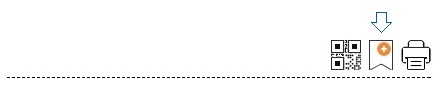
Most pages in this website support the “My Health” function. In a page with the “Bookmark” icon (the second icon below), click the icon to add the page to “My Health”.
- Remove a bookmarked page from “My Health”
Click the “Edit” button and then select the “minus-sign” button to remove a bookmarked page.
